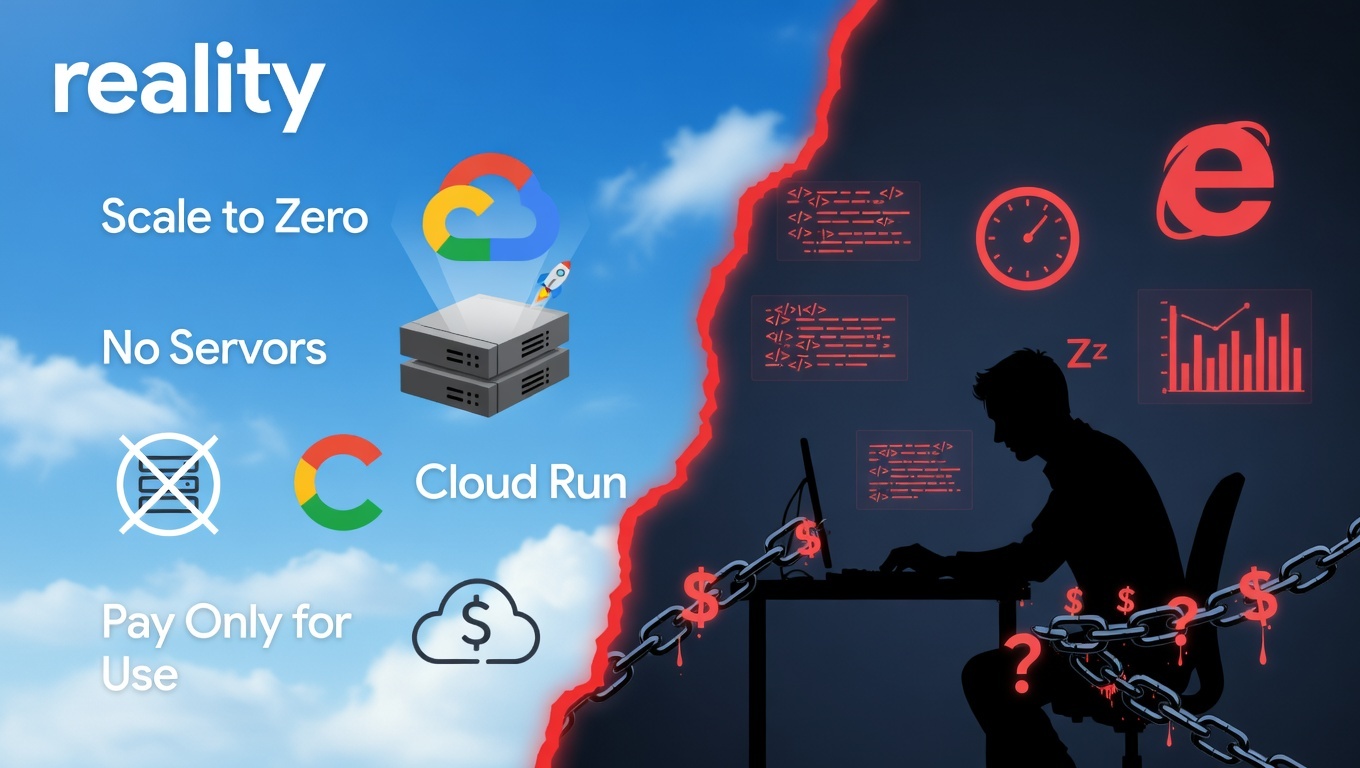
Serverless was supposed to be easy.
That is what Google told us. Upload a container, get a URL, scale to zero. No servers to manage. No capacity planning. No 3 AM pages.
After deploying 20 websites and APIs to Cloud Run over six months, here is what we actually learned: serverless is not easy. It is just differently hard. The problems do not disappear. They change shape. And the new shape is harder to Google.
The Promise
Cloud Run sells a dream:
- Containerize your app
- Push to Google Cloud
- Get a global HTTPS endpoint in 60 seconds
- Pay only for what you use
For demos, it delivers. For production, the gaps appear fast and they tend to appear at the worst possible moment, right when real users show up.
What We Built
Between September 2025 and March 2026, we deployed:
- 15 static websites (Astro, plain HTML)
- 3 API services (Node.js, Python)
- 2 webhook handlers
- 1 image processing pipeline
All on Cloud Run. All with custom domains. All marketed as "set and forget." None of them were.
Here is where the dream broke.
The Real Problems
Cold Start Hell
Cloud Run scales to zero. Great for cost. Catastrophic for first impressions.
Our first API hit 8 seconds on cold start. Users submitted support tickets thinking the product was down. The fix was forcing minimum instances (min-instances=1 for anything user-facing), which means you are always paying for at least one running instance, even at 3 AM with zero traffic.
Google does offer a startup CPU boost feature that can cut cold start time in half for some workloads, but it is not a silver bullet. The "completely free at zero traffic" promise quietly evaporates the moment latency matters to anyone.
The fix: --min-instances=1 for any user-facing service. Accept it as a fixed cost line, not an edge case.
Custom Domain SSL Nightmares
Setting up a custom domain on Cloud Run involves a multi-step ritual:
- Map the domain
- Verify ownership via DNS record
- Wait for SSL certificate provisioning
- Wait more
- Watch CertificatePending sit there, doing nothing
We had domains locked in CertificatePending for 48 hours. One domain took 3 days to fully provision. There is no error message, no retry button, no status detail. Just a spinner and a status string. At scale, this is not a quirk. It is a workflow blocker.
The fix: Route traffic through Cloudflare first. Let Cloudflare handle SSL at the edge and proxy to your Cloud Run URL. You add a hop, but you reclaim your sanity.
Build Failures With No Logs
Cloud Build + Cloud Run is a powerful combo, until a build silently dies.
We had builds report success through every step, then fail at the final deploy with exit code 1 and zero explanation. No stack trace. No error context. Nothing to grep. Debugging required reproducing the entire build locally using the same Cloud Build config, which defeats a large part of the value.
The fix: Always validate builds locally before pushing. Use cloud-build-local or run docker build with your exact Dockerfile flags. The cloud is not your debugger. This should be obvious, but most teams learn it the hard way.
Environment Variables Are Invisible
Cloud Run lets you set environment variables at deploy time. What it does not let you do easily is see what is actually deployed.
There is no plain-text UI to inspect current env var values. You need the gcloud CLI or the API. We burned an hour tracking down a typo in DATABASE_URL that we could not surface without running a shell command. For a platform charging for developer experience, this is a frustrating gap.
The fix: Maintain a .env.example file and document every variable in your README. Treat your env config as code, not an afterthought. Cloud Run will not remind you.
Concurrency Kills Performance
Cloud Run defaults to 80 concurrent requests per container instance. That sounds generous, until your app blocks on database connections and requests stack up behind the first one to stall.
We had APIs that handled 10 concurrent requests smoothly and fell apart at 20.
The fix was dropping concurrency to 10 and allowing Cloud Run to spin up extra instances to compensate. Which is the right call. But it means more instances, higher costs, and a non-obvious tuning exercise with no formula.
The fix: Start at concurrency=10 for any I/O-bound service. Increase incrementally only after load testing. Do not trust the default.
The VPC Connector Tax
Need to connect to a private database, Redis, or anything not exposed to the public internet? You need to route through a VPC. Cloud Run's traditional path for this is a Serverless VPC Access connector, a pair of managed VMs that proxy your traffic, billed 24/7 regardless of your service's actual load. Expect $15 to $20/month at minimum, just for the connector to exist.
They also added cold start latency, and our Redis connection failed silently with timeouts roughly 10% of the time, a failure mode that looked like an app bug until we traced it to the connector layer.
What Google does not advertise loudly enough: Direct VPC Egress now exists, and it is the better option for most use cases. It eliminates the connector VM entirely. You pay only for network egress, which scales to zero alongside your service. One team reported that removing their VPC connector cut nearly 40% of their total Cloud Run bill.
The fix: Use Direct VPC Egress instead of a Serverless VPC Access connector wherever possible. If you are still on connectors, migrate. It is worth the afternoon.
What Actually Works
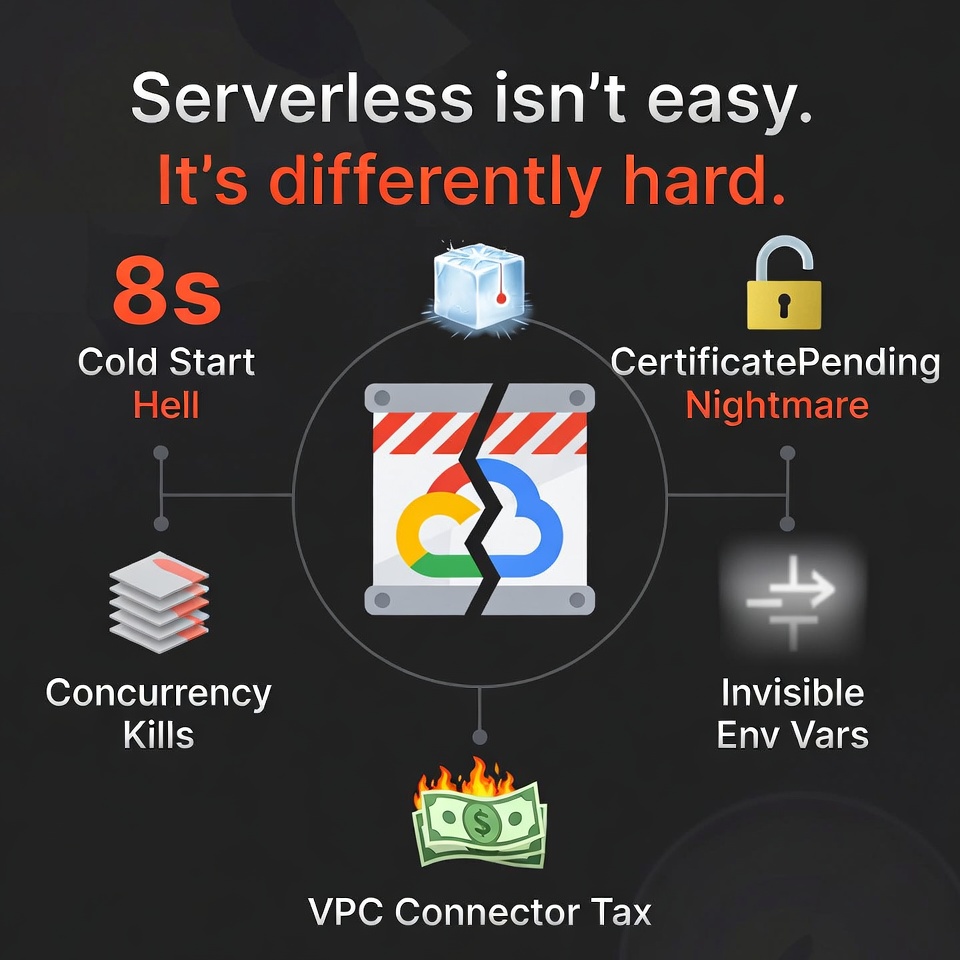
After 20 deployments, this is our Cloud Run playbook:
Start with gcloud CLI, not the console. The web UI is useful for reading status. For deploying, updating, and debugging, the CLI is faster, scriptable, and more trustworthy than what the UI surfaces.
Pin every dependency. Cloud Build pulls the latest base images by default. One upstream update from Google can silently break your build. Pin to specific tags. Always.
Use Cloud Run Jobs for background work. Services are for HTTP traffic. Jobs are for data imports, report generation, scheduled tasks, anything that does not need a persistent URL. Using a Service for background work is fighting the platform.
Choose your poison upfront: latency or cost. There is no middle ground on cold starts. Either pay for min-instances and get warm responses, or accept multi-second latency spikes. Make the decision deliberately, not by accident.
Monitor with Cloud Monitoring, not just the Run console. The built-in Cloud Run metrics are basic. Set up proper alerting on p95 request latency, error rate spikes, and memory usage. You will not see a problem coming from the Run dashboard alone.
The Cost Reality
Cloud Run is genuinely cheap at low traffic. It gets expensive quickly once you add the infrastructure that production actually requires.
Our real-world breakdown for a medium-traffic API (10,000 requests/day):
| Line Item | Monthly Cost |
|---|---|
| Compute | $12 |
| Egress | $8 |
| VPC connector (legacy) | ~$17 |
| Load balancer (custom domain) | $18 |
| Total | ~$55 |
For context: a $20/month VPS handles the same load with headroom. The VPS does not autoscale. But it also does not cold start, does not require a VPC connector, and does not need a load balancer layer for a custom domain.
If you have switched from legacy VPC connectors to Direct VPC Egress, drop that $17 line entirely. Your real cost floor is closer to $38, still not free, but meaningfully more competitive.
For a deeper cost comparison between Cloud Run and self-hosted setups, see Article 2: OpenClaw Locally Beats VPS.
When to Use Cloud Run
Use Cloud Run if:
- Your traffic is spiky or unpredictable (webhooks, event-driven APIs)
- You are already on Google Cloud and want unified billing and IAM
- You need automatic horizontal scaling without managing infrastructure
- You can tolerate occasional cold start latency (or budget for min-instances)
- You want HTTPS and container-based deploys without running a Kubernetes cluster
Do not use Cloud Run if:
- You need consistent sub-100ms latency at all times
- You are cost-sensitive at steady, low-scale load (a cheap VPS wins)
- You have complex private networking requirements (VPC quirks add up)
- Your processes run longer than Cloud Run's request timeout ceiling
- You are not prepared to debug distributed system failures
Cloud Run is also increasingly relevant for edge AI deployment. See Article 8: 86% of Enterprises Are Chasing Agentic Edge AI for how serverless infrastructure fits into that shift.
What We Use Now
Still on Cloud Run:
- Prototypes and internal MVPs
- Webhook handlers (traffic is naturally spiky and infrequent)
- Anything that genuinely benefits from scale-to-zero
Moved back to VPS:
- Databases (obviously)
- Redis
- APIs with strict latency SLAs
- Long-running background processes
- Anything where the Cloud Run overhead exceeds the infrastructure savings
The hybrid approach works. Cloud Run for elastic, stateless, event-driven surfaces. VPS for steady, latency-sensitive, stateful workloads. Stop treating it as a binary choice.
We use Cloud Run to deploy several of our AI orchestration tools. For a breakdown of how that pipeline works, see Article 9: Best AI Orchestration Setups.
FAQ
Is Cloud Run free?
There is a free tier: 2 million requests/month, 360,000 vCPU-seconds, and 180,000 GiB-seconds. For very low-traffic projects, you may pay nothing. Once you add a load balancer for a custom domain ($18/month) or a VPC connector, your bill starts regardless of traffic. "Free" depends on what you actually need to run.
Can I use Cloud Run with Docker?
Yes. Cloud Run runs any container that listens on a port. Build your image, push it to Google Artifact Registry (or any registry), and deploy. If it runs locally with docker run, it will run on Cloud Run, with the caveats above about cold starts, concurrency, and networking.
What is the alternative to Cloud Run?
The most common alternatives are: a VPS (Hetzner, DigitalOcean, Linode) for cost-predictable, always-on workloads; AWS Lambda or Fargate for teams already on AWS; and Fly.io or Railway for developer-friendly platforms with simpler cold start behavior. For anything requiring real-time or sub-second latency, a VPS almost always wins on both cost and simplicity at small-to-medium scale.
Final Thoughts
Cloud Run is not a bad product. It is a mismarketed one.
The pitch is simplicity. The reality is a trade: you give up server management and receive distributed systems debugging in return. Different complexity, not less. If you walk in expecting zero operational overhead, you will be frustrated within a week of your first production incident.
After 20 deployments, we know exactly where the traps are: the cold starts, the SSL provisioning delays, the VPC connector overhead, the invisible env vars. We can navigate them now. But we wish the documentation led with the tradeoffs instead of burying them.
Serverless saves you from servers. It does not save you from complexity. It just moves it somewhere harder to see.
Get More Articles Like This
Getting your infrastructure right is just the start. I'm documenting every mistake, fix, and lesson learned as we build PhantomByte.
Subscribe to receive updates when we publish new content. No spam, just real lessons from the trenches.